
How to Edit Images with Ideogram 4.5
A practical workflow for Ideogram 4.5, from your source image to a finished result.
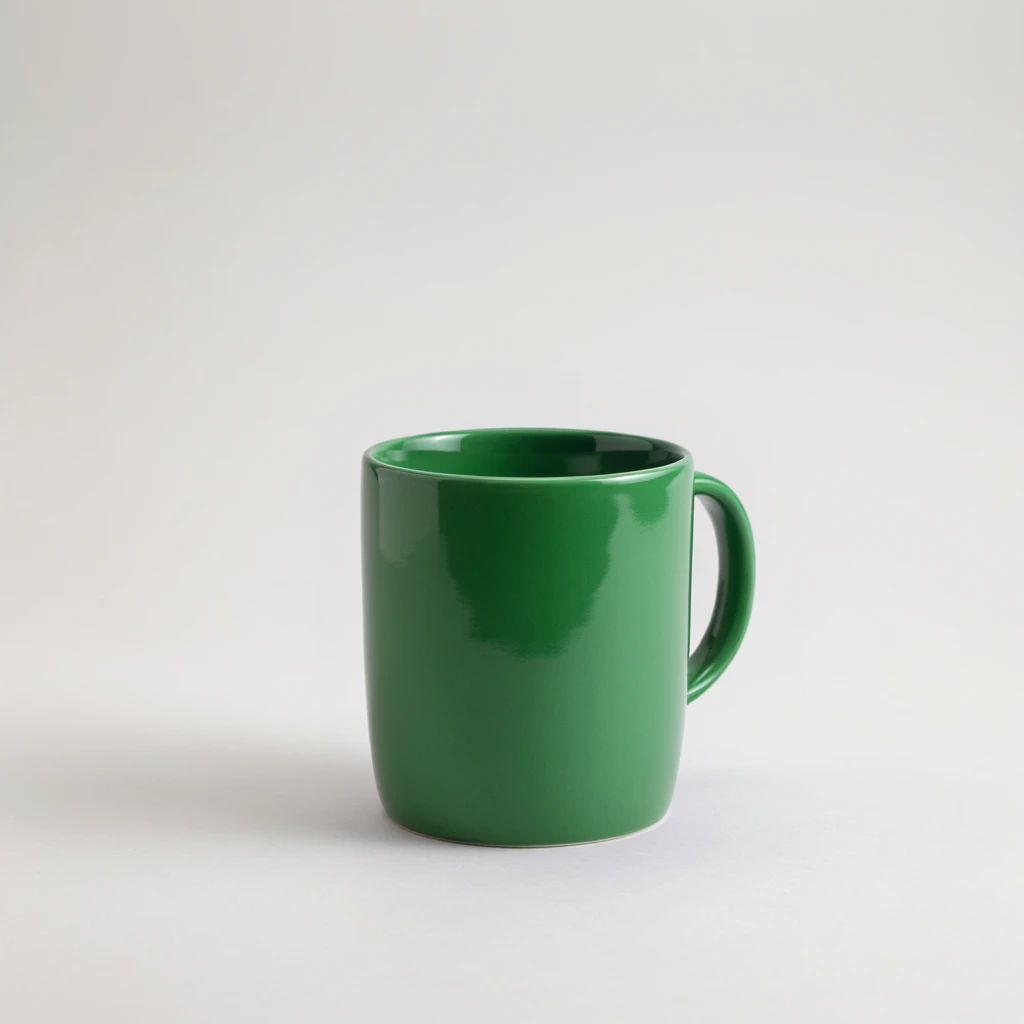
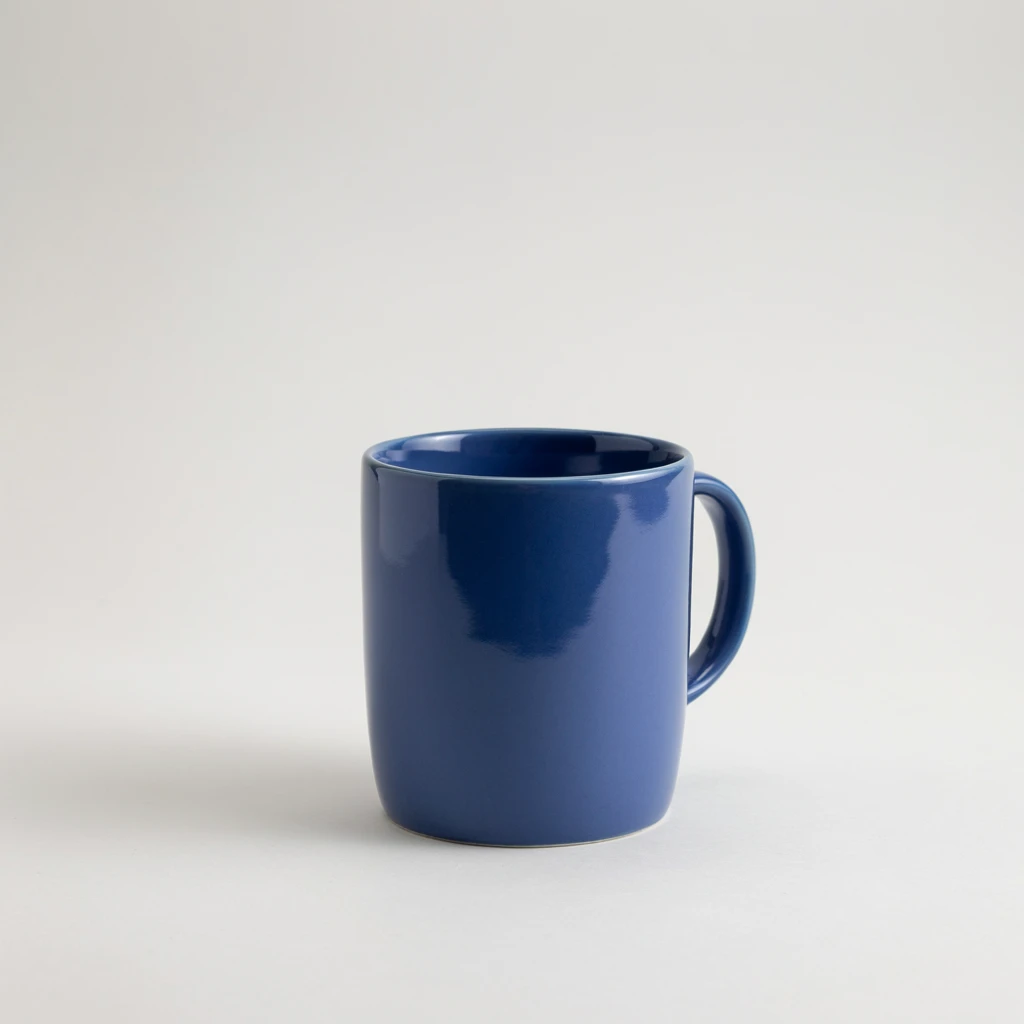 OriginalEdited
Actual studio example: a blue cup recolored to green. Compare the handle, silhouette, glaze and shadow before making the next edit.
1. Keep a clean source.
Start with a clear image that already has the composition you want. Save an untouched original. For a product, make sure the edges, labels and shadows are easy to see.
2. Describe one change.
Write the instruction as an action applied to a specific object or surface. “Change the cup to green” gives you a result you can evaluate more easily than “make this better.”
Change only the cup color to green. Preserve the cup’s shape, glaze texture, handle, shadow, lighting and background.
For text, quote the exact replacement and describe its position. For a background, say whether the subject, crop and light direction should stay the same.
3. Name what should stay.
List the details that matter to this task: silhouette, stitching, face, label, room geometry or camera angle. Avoid a long list of irrelevant constraints. Use a short instruction you can compare against the result.
4. Inspect before iterating.
Check the image at full size. Look at edges, small text and reflective surfaces. If the change is wrong, return to the original rather than building on an error. If it is right, use the result as your next source.
5. Download each useful version.
Name versions after the change you made: “cup-blue”, “cup-blue-backdrop”. You can refresh the studio to recover the current request, but you should download completed images because provider links can expire.
When to generate instead
Choose generation if you need a new scene, composition or subject. Choose editing when you already have a picture worth preserving. If repeated changes are moving the image away from your goal, try a new source or a new generation.
Explore the prompt library for product colors, backgrounds, headlines and cabinet materials.
Make your first editModel reference checked October 8, 2026: official API overview. Workflow and prompt examples are original editorial guidance.